
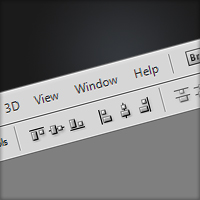
Aligning Objects
It’s often very useful to align objects, so in this quick tip tutorial I’ll be showing you how to align objects and text in the whole canvas and just in a section as well.
I only found out about how to easily align objects this year (embarrassingly) – I used to just align things by eye (or other complicated techniques) so hopefully you’ll be able to center stuff easily from now on :)
Aligning Objects in the Entire Document
Say you have some text that you would like centered (vertically and horizontally).

Because the section that we want the text centered in is the entire document; select the entire document (shortcut: Ctrl + A).

Select the move tool (shorcut: v) and at the top of Photoshop below the menu click ‘Align vertical centers’ and ‘Align horizontal centers’.

This will center your text vertically and horizontally like so:

You can use the same procedure to align it at the top, bottom or sides.
Aligning Objects in a Section
Now, if you wanted to align an object say in a box, then it’s quite similar to the method above.

Select the box you want the text aligned inside (Ctrl + click the layer’s icon).
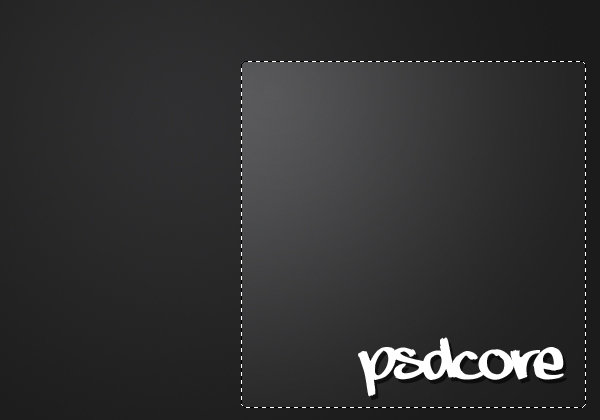
Using the move tool align the text to where you want it.

This technique is quite useful when centering text in a navigation bar or centering objects in the middle of a wallpaper, image or anything else that needs centering.


yeah, I found out how to do this not to long ago either.. but didn’t know part two, how to center within a specified area… I was going nuts today editing some existing cd artowrk. I just might have to go back thru now and touch it up.
Good Timing!
I found out this “trick” years ago and i use it all the time!
One of the most convenient not-so-obvious features in ps.
Greetz from Germany!
And what about resizing objects with the same dimensions ?
Great tip!